

Contents
Anyone who has presented from a Mac knows the move. You are mid-sentence, you glance at your laptop, and you have no idea what the room is actually seeing. So you turn around, find the projector, check that the slide is the one you think it is, turn back, and pick up a thread you have half lost.
Your Mac already knows the answer. It is driving that display. The picture exists in the machine in front of you, it is just not shown anywhere you can see it. Periphery puts it somewhere you can see it.
What Periphery is
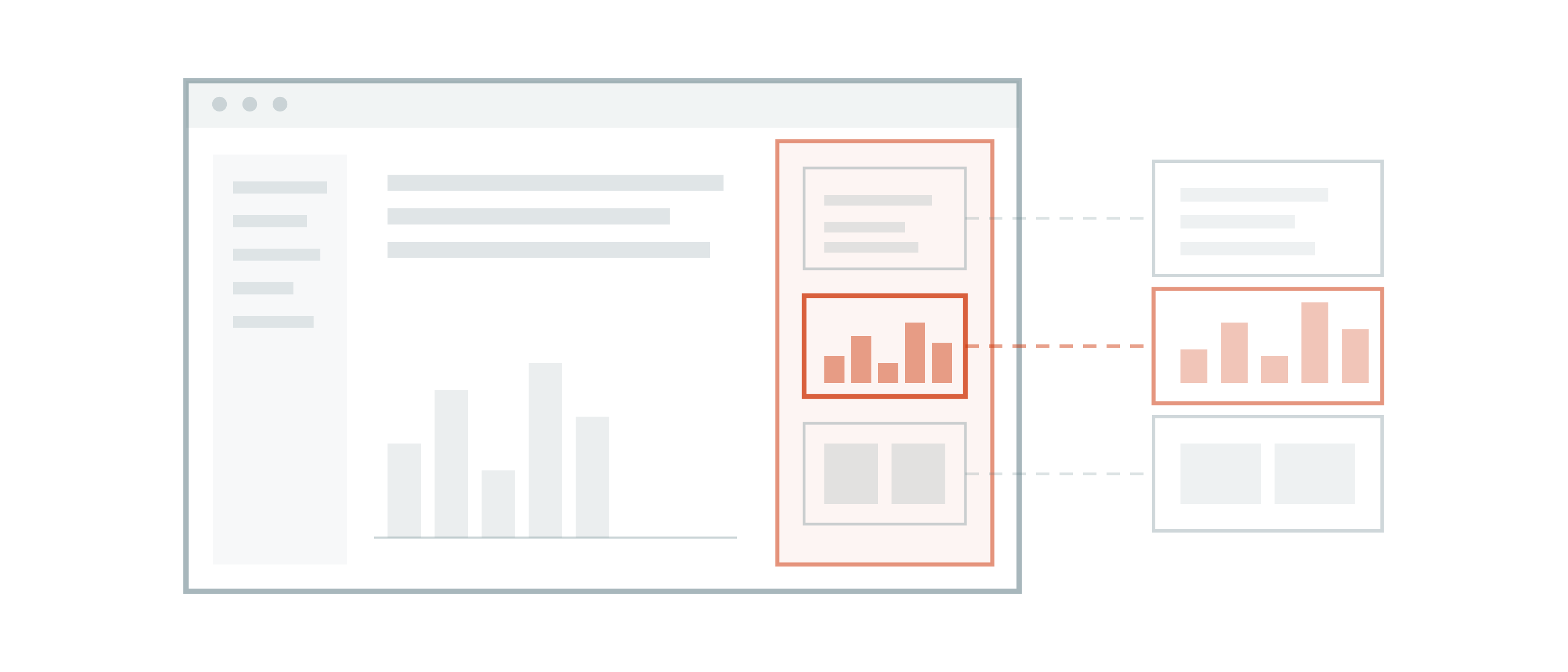
Periphery is a small macOS utility that keeps a live preview of every connected external display in a floating panel on the screen in front of you. A projector, a conference-room TV, a second monitor angled away from you. Whatever is plugged in shows up in the panel and refreshes as it changes, and the panel floats over full-screen apps, so it stays visible while you are presenting instead of vanishing the moment Keynote takes over.
What it does
Live previews in a floating panel. Several external screens at once, each in its own tile.
Menu bar first. The Dock icon is hidden by default. Periphery sits in the menu bar and stays out of the way of whatever you are doing.
Ready at login. It can launch automatically and bring up the panel the moment an external display connects, which is usually the moment you walk into a room and plug in.
Stops when hidden. Close the panel and capture stops. Nothing keeps sampling your screens while nothing is looking at the result.
Native materials. Built with macOS Liquid Glass, with automatic light and dark mode.
Nothing leaves your Mac
Periphery processes every preview locally. It does not upload, record, or save display content. There is no account to create, no analytics, and the app is sandboxed.
It does need macOS Screen Recording permission, which is unavoidable: capturing a display is what that permission governs. Periphery is built on ScreenCaptureKit, Apple’s own capture framework, and the frames go from there to the panel on your screen and no further. There is no server component.
What you need
Periphery requires macOS 26 or later and at least one external display. It is distributed exclusively through the Apple App Store as a one-time purchase, with a seven-day free trial and Family Sharing included.
Why we built it
Periphery came out of a lecture in Hamburg, standing in front of a room with a projector behind us doing something we could not see. It stayed small on purpose, and it is quiet when you are not using it.
You can find it on the App Store, or read more at apps.beyondsimulations.com/periphery.