

Contents
The reMarkable is a tool I use daily that essentially only does one thing: I can write on it the way I would write on paper, and the pages then live in folders and notebooks. But that is also a problem for me: the data is not really accessible. My notes are all there, my scribbles on research papers and my highlights in books I read, but I cannot reliably access them on my Mac.
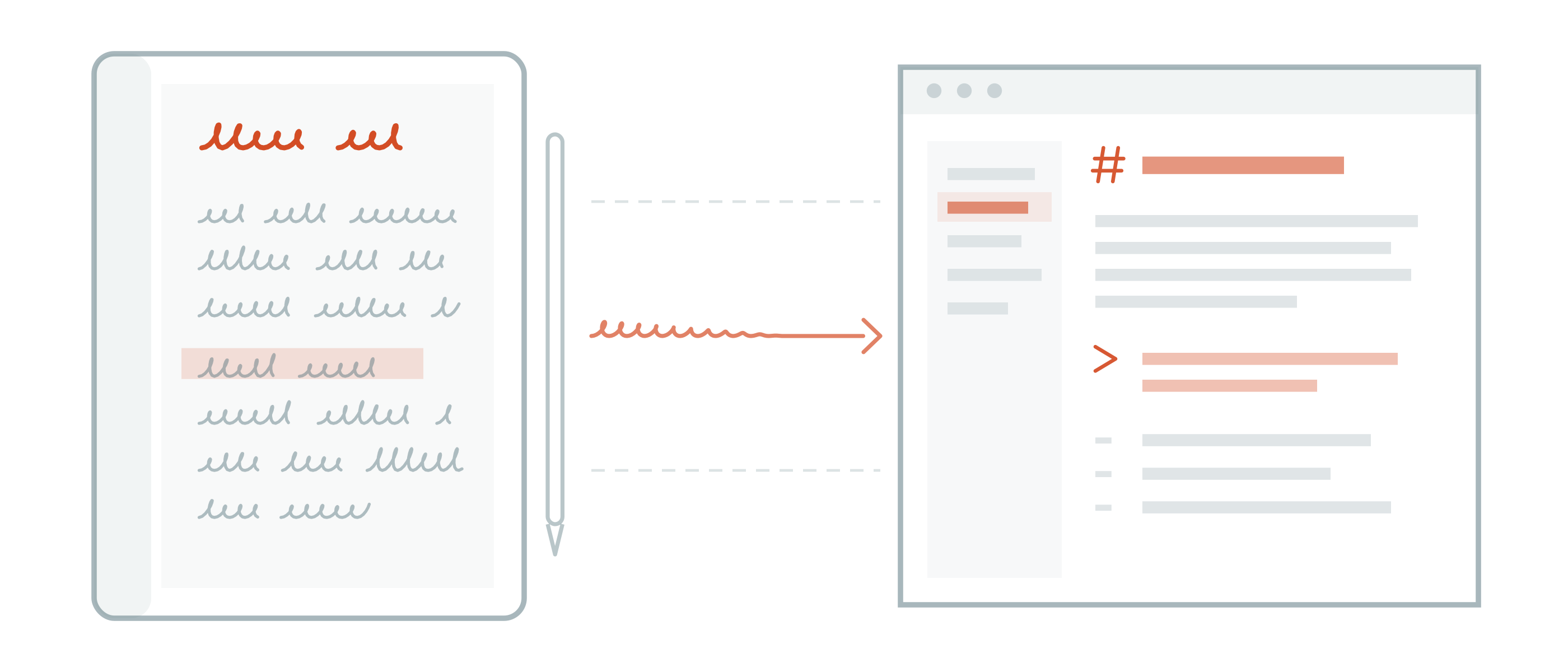
markInk is my personal solution to the problem. A menu bar app that mirrors the tablet into plain Markdown. Point it at a folder, any folder, and the pages arrive as Markdown files: your handwriting as searchable text, your PDF highlights as quotes, text typed on a Type Folio keyboard word for word. If that folder is an Obsidian vault, the notes are simply in your vault.
How handwriting becomes text
Writing on a reMarkable feels like writing on paper, which is the point of the device. It also means the result is “ink”: markInk reads that picture back into text, and it does so on your Mac with two options. (1) Apple Vision, which is built into macOS and needs no setup. (2) Qwen3-VL, which is a vision-language model you download once and from then on it runs on your Mac’s Apple silicon. No server ever sees a page!
Reliability
Handwriting recognition is probabilistic, and any tool that promises otherwise is not honest. So lots of engineering went into the conversion and it’s still far from perfect: (1) The “ink” has to be rendered at the right resolution, because a model misreads strokes that arrive too small. (2) It has to be sent as one whole page at full resolution, because slicing a page into strips makes the model lose the thread across the cuts, repeat itself, and merge words that were never joined. (3) The result then has to clear a degeneracy check, because a model that cannot read sometimes produces confident garbage: repeated lines, or a paragraph invented out of a stray pen stroke. (4) Failed pages are retried, and what still fails is reported at the end.
I measured it based on my (very bad) handwriting. On my evaluation corpus of handwritten pages, the whole-page approach transcribed with a character error rate of 23.9%. That is not a great number, but rather the state of handwriting recognition for messy handwriting.
Highlights without OCR
Not everything on my tablet is handwriting, because I also use it to read books and papers. If you highlight a PDF or an EPUB, markInk returns the marked passage as a Markdown quote, with your handwritten notes beside it. Here, there is no OCR involved: the words are already text (except for your notes), and markInk copies them exactly. Underline or circle a passage with the pen and it comes back the same way, read from the page’s own text layer. On a scan there is no text layer, so the highlighted strip is transcribed on your Mac instead. However, a pen mark on a scan is skipped rather than guessed, so use the highlighter if you work with scans.
What that gives you
Files in a folder, in the folder structure of your tablet. The mirror is transcribed, quoted, linked, versioned, greppable, and readable at any font size, because it is just plain text.
When (if) transcription engines improve and one arrives, I add it to markInk and you can simply re-transcribe every page with the new engine.
Read-only
markInk never writes to the tablet. It cannot rename, move, or delete anything on the device. You pair once with reMarkable’s official one-time code, the token lives in your Mac’s Keychain, and the mirror then runs one way, tablet to Mac.
If you delete a note on the tablet, the mirrored file moves to a local Trash folder in your markInk mirror. Edit a mirrored file, and markInk keeps your edit in a file beside the regenerated one instead of overwriting it.
In the menu bar
markInk is a native macOS app, built for macOS 26 or later with the Liquid Glass design. It syncs on a schedule you choose and sits out of the way while you work. It works with every reMarkable device, including the Paper Pro’s color ink.
Getting it
markInk is on the Mac App Store as a one-time purchase with a seven-day free trial, and Family Sharing is included. You can find it at apps.beyondsimulations.com/markink.